

General - HybridDesktop Browser Redirection
With ClientControl, users can configure their computer’s screen brightness, control optical drives, and view the battery status, for example, from a remote session.
Client
Installation
Install the latest firmware version and the latest HybridDesktop Channel package on the thin client. You will also need a connection module such as FreeRDP, an ICA client, or VMware View:
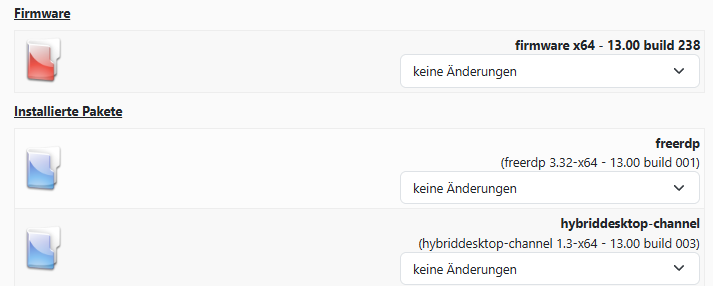
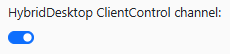
Then enable the ClientControl channel in your connection settings:
Configuration
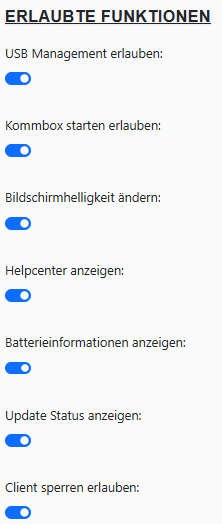
Under Kommbox → Connections & Applications → HD-ClientControl , you can configure which features should be available to the user in their remote session under “Allowed Features”:
Server
Installation
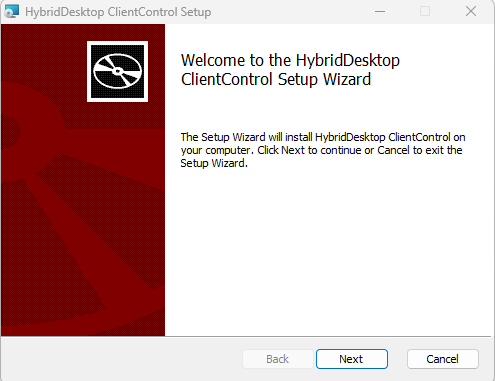
Install the HybridDesktop.ClientControl package by following the setup instructions:
Usage
Launch HybridDesktop ClientControl on the remote desktop. We recommend creating a shortcut in the Startup folder.
Confirm the connection request for your user (in this case, test01):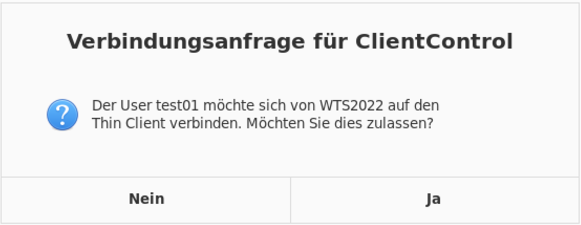
ClientControl will then appear in the system tray:

Clicking the icon opens the ClientControl control window:
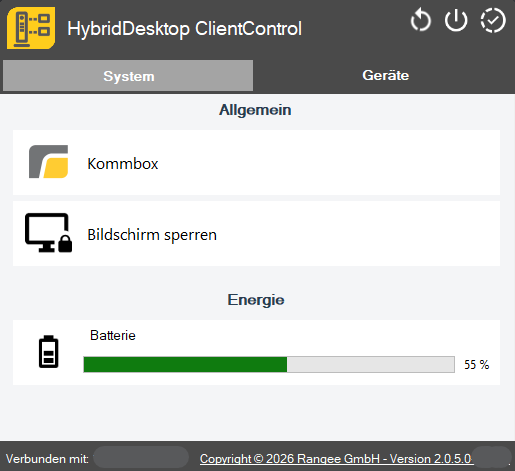
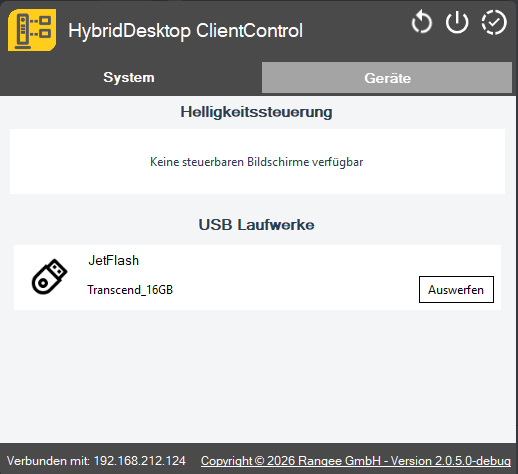
The control window has two tabs: “System” and “Devices.”
• System: Here you can view information about your client, such as the battery charge status, and lock the screen.
• Devices: Here you can adjust the client’s screen brightness. You can also eject USB devices connected locally to the client to remove them safely.
Additionally, the following functions are available:
• Restart the client:
• Shut down the client:
ClientControl status display (a missing license is also shown here):
